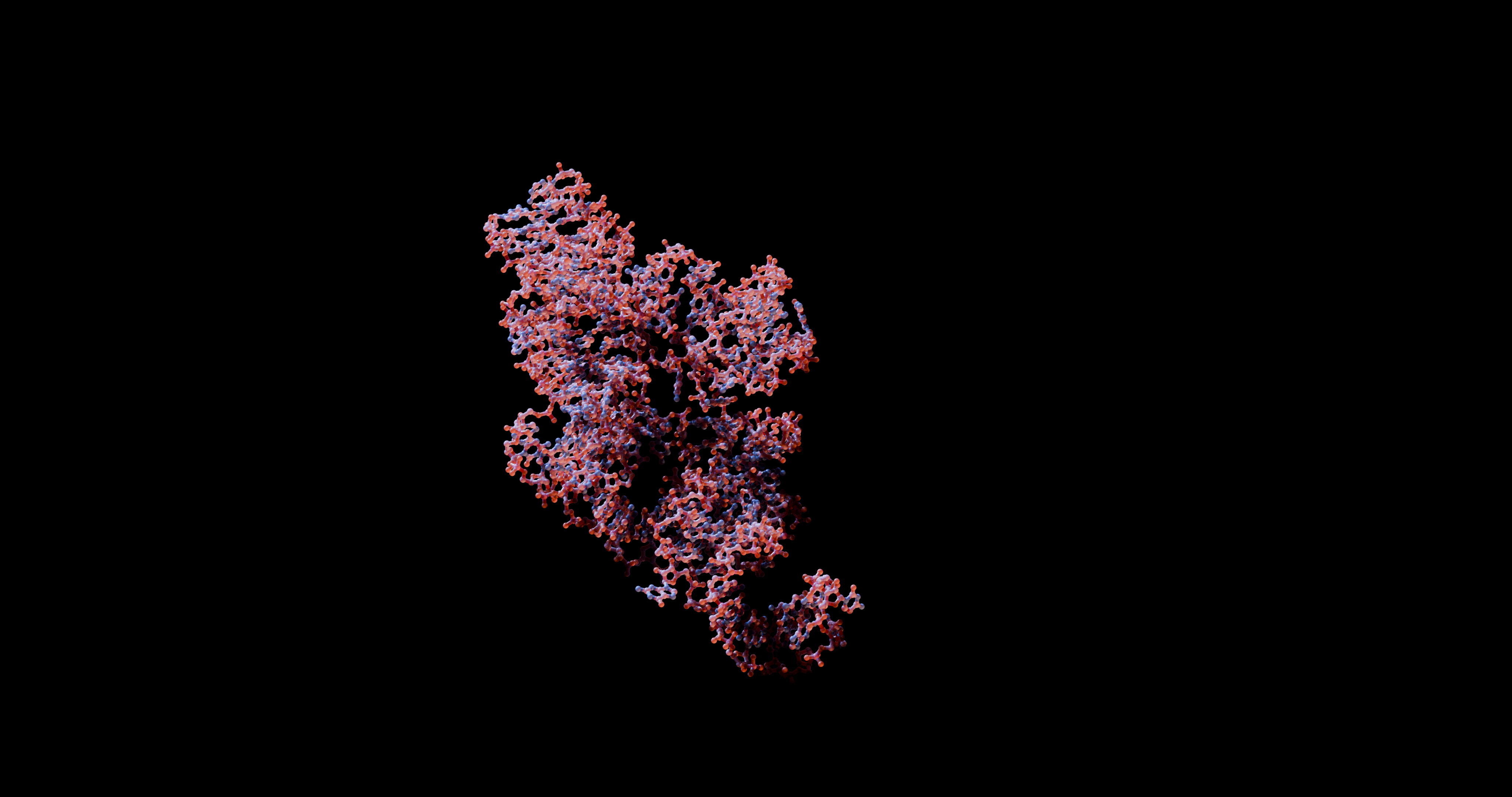
Command-Line Interface and Usage Guide
This guide provides detailed explanations of all command-line interface (CLI) options and usage patterns for the main entry points of the project: main.py, main_lbfgs.py, and manage_dataset.py.
Optimizing 3D RNA Structures: main.py
The main.py script is the primary entry point to launch high-performance optimizations using Adam. It supports both interactive terminal Prompts and batch options suitable for cluster jobs.
How to Run
python main.py launch [OPTIONS]
General Options
- --molecule [Protein|RNA]: The type of molecule to optimize (default:
RNA). - --method [1|2]: The optimization method:
1: Bead-springs (Coarse-Grained)2: Full atoms (All atoms)
- --input-type [1|2]: The format of the input molecule:
1: Direct sequence string (e.g.,ACGU)2: Path to a FASTA file
- --input-val <TEXT>: The sequence string or FASTA file path depending on the
--input-type(Required in batch mode). - --output <TEXT>: The path to the output folder or specific filename where the optimized PDB structure will be saved.
- --cif: Flag to export the final structure in mmCIF format in addition to PDB.
- --verbose: Flag to enable detailed console logging.
- --confirm: Flag to display a summary of configuration parameters and ask for user confirmation before launching.
- --batch: Flag to run in non-interactive batch mode (suitable for automation/clusters).
Metrics and Evaluation
- --target-structure <TEXT>: Path to a target/reference PDB structure to calculate comparative metrics (such as RMSD/MAE).
- --chain <TEXT>: Chain ID to extract from the reference PDB structure.
- --save-metrics: Flag to save the final optimization metrics to a CSV file.
- --output-metrics <TEXT>: The filename for output metrics CSV (default:
metrics.csv).
Visualization
- --visualise: Flag to generate a 3D folding animation video (requires
ffmpeg). Saves intermediate PNG snapshots every 200 epochs and builds an MP4 at the end. - --vis-metrics: Flag to save intermediate folding metrics (
folding_vis.csv) without generating structural snapshots and the final MP4 video. - --vis-dir <TEXT>: Specific directory where visualization snapshots and metrics should be saved.
Optimization Parameters (Adam Engine)
- --patience-locale <INTEGER>: Number of iterations without improvement (within
--min-delta) before terminating a local optimization phase (default:100). - --patience-globale <INTEGER>: Number of global cycles without improvement before stopping the overall Basin Hopping loop (default:
5). - --min-delta <FLOAT>: Minimum change in energy to qualify as an improvement (default:
1e-4). - --taux-refroidissement <FLOAT>: Cooling rate / decay factor for the noise base at each Basin Hopping cycle (default:
0.85). - --bruit-min <FLOAT>: Minimum coordinate noise in Angstroms under which global cycles stop (default:
0.01). - --noise-coords <FLOAT>: Initial coordinate noise perturbation factor in Angstroms (default:
1.5). - --bead-atom <TEXT>: The specific bead atom type representing each residue in coarse-grained optimization (default:
C4'). - --score <TEXT>: The statistical potential or scoring function to drive the optimization:
- For RNA:
RASP,DFIRE,rsRNASP,cgRNASP,RMSD,MAE, orAll. - For Protein:
DFIRE_P,RMSD,MAE, orAll.
- For RNA:
- --score-weight <FLOAT>: Stochastic energy score multiplier weight (default:
1.0). - --epsilon-wca <FLOAT>: Repulsive scaling parameter for Weeks-Chandler-Andersen steric potential (default:
1.0). - --relax: Flag to physically relax the final all-atom PDB using OpenMM and Amber14 forcefield.
Full-Atom Specific Options
- --backbone-weight <INTEGER>: Harmonic spring weight constraint to keep virtual backbone O3’-P covalent bonds intact (default:
100). - --clash-weight <INTEGER>: Steric clash penalty weight based on Van der Waals radii interpenetration (default:
100). - --noise-angles <FLOAT>: Initial angular noise perturbation factor in radians (default:
0.5).
L-BFGS Optimization: main_lbfgs.py
The main_lbfgs.py script exposes the exact same optimization suite but leverages the L-BFGS optimizer instead of Adam.
How to Run
python main_lbfgs.py launch [OPTIONS]
Additional L-BFGS Options
In addition to all options present in main.py, the following parameters are available:
- --lr <FLOAT>: The learning rate / initial step size for L-BFGS (default:
0.2). - --init-structure <TEXT>: The path to an initial PDB structure to start the L-BFGS optimization from, enabling refinement of existing models.
Dataset and Statistics Management: manage_dataset.py
The manage_dataset.py script is a utility toolkit to download structures from RCSB PDB, generate distance/angle statistics, clean structures, or automate workflows.
It is structured into distinct subcommands.
How to Run
python manage_dataset.py [COMMAND] [OPTIONS]
Available Commands
retrieve_data
Downloads a dataset matching specific quality and resolution criteria.
python manage_dataset.py retrieve_data [FOLDER_PATH] [OPTIONS]
FOLDER_PATH(Argument): Directory where structures will be saved.-m, --molecule [RNA|Protein]: Molecule type to download (default:RNA).-r, --resolution FLOAT: Maximum allowed experimental resolution in Angstroms (default:1.1).-e, --extension [mmCif|pdb]: Target file format to download (default:mmCif).--pure/--no-pure: Download only pure structures (e.g., only RNA, excluding complexes) (default:True).
make_distri
Extracts and saves consecutive residue distances from a folder of PDB/mmCIF structures.
python manage_dataset.py make_distri [FOLDER_PATH] [OPTIONS]
FOLDER_PATH(Argument): Folder containing structures to analyze.-m, --molecule [RNA|Protein]: Molecule type (default:RNA).-a, --ref-atom TEXT: The atom type to measure distances between (default:C3').-o, --output TEXT: Prefix path for output CSV files (default:distances).--save-distances/--no-save-distances: Save all individual pairwise measurements to a CSV (default:True).--save-summary/--no-save-summary: Save overall statistical indicators (mean, std, min, max) toresults_summary.csv(default:True).
extract_sequences
Extracts nucleotide sequences and headers from PDB files in a directory.
python manage_dataset.py extract_sequences [FOLDER_PATH] [OPTIONS]
FOLDER_PATH(Argument): Directory containing PDB files.-o, --output TEXT: Output CSV filename (default:sequences.csv).
clean_pdb
Cleans PDB structures by stripping away protein chains and ligand heteroatoms to isolate pure nucleic acids.
python manage_dataset.py clean_pdb [FOLDER_PATH] [OPTIONS]
FOLDER_PATH(Argument): Directory containing PDB files.-o, --output TEXT: Folder to save cleaned structures. If not specified, modifies files in-place.
auto
An interactive wizard that automates both dataset retrieval and statistical calculations.
python manage_dataset.py auto [FOLDER_PATH] [OPTIONS]
FOLDER_PATH(Argument): Target directory for dataset and statistics.- Accepts all options from
retrieve_dataandmake_districommands.